UnRepostAll
Download
IPHONE · ANDROID · MAC · WINDOWS

Remove all your TikTok reposts
in one tap.

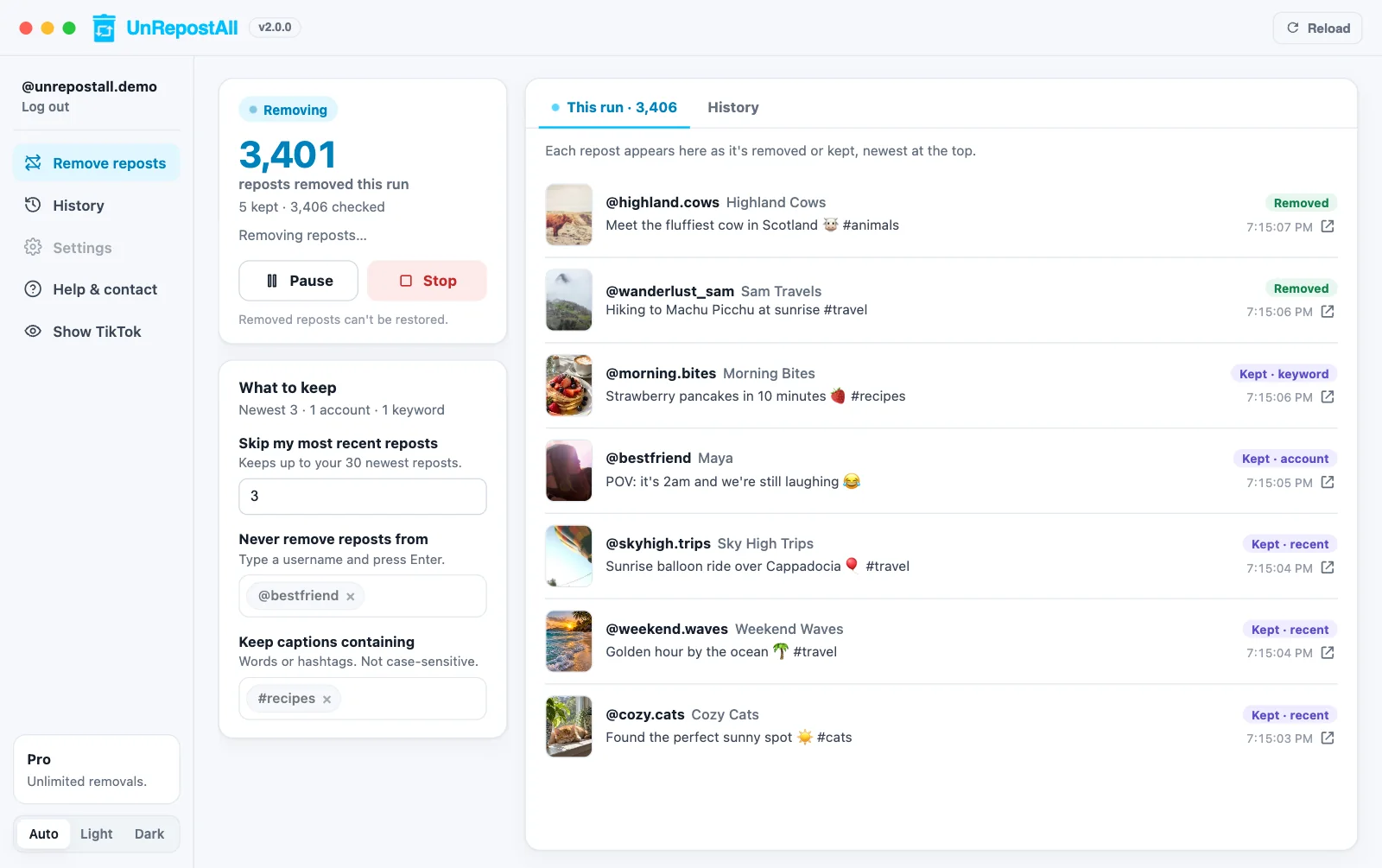
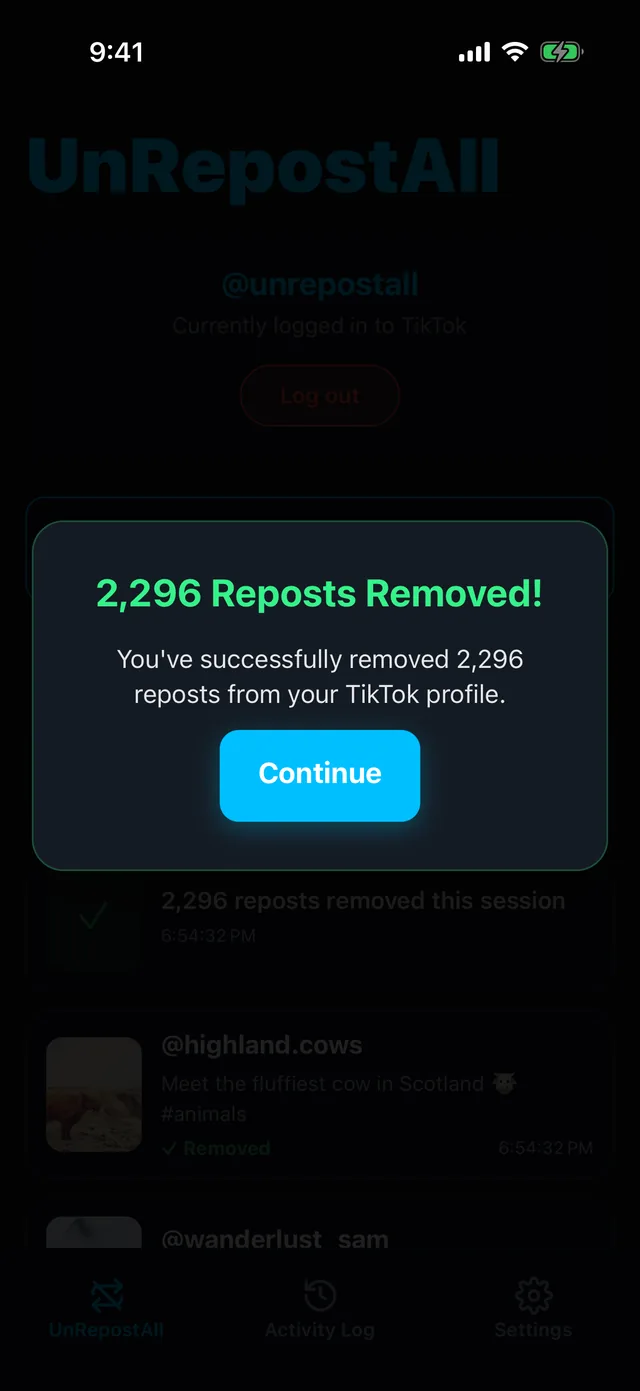
UnRepostAll is a TikTok repost remover for iPhone, Android, Mac, and Windows. Tap once and it removes every repost from your profile, showing each one as it goes.

★★★★★ Trusted by 600,000+ users · 10,000,000+ reposts removed

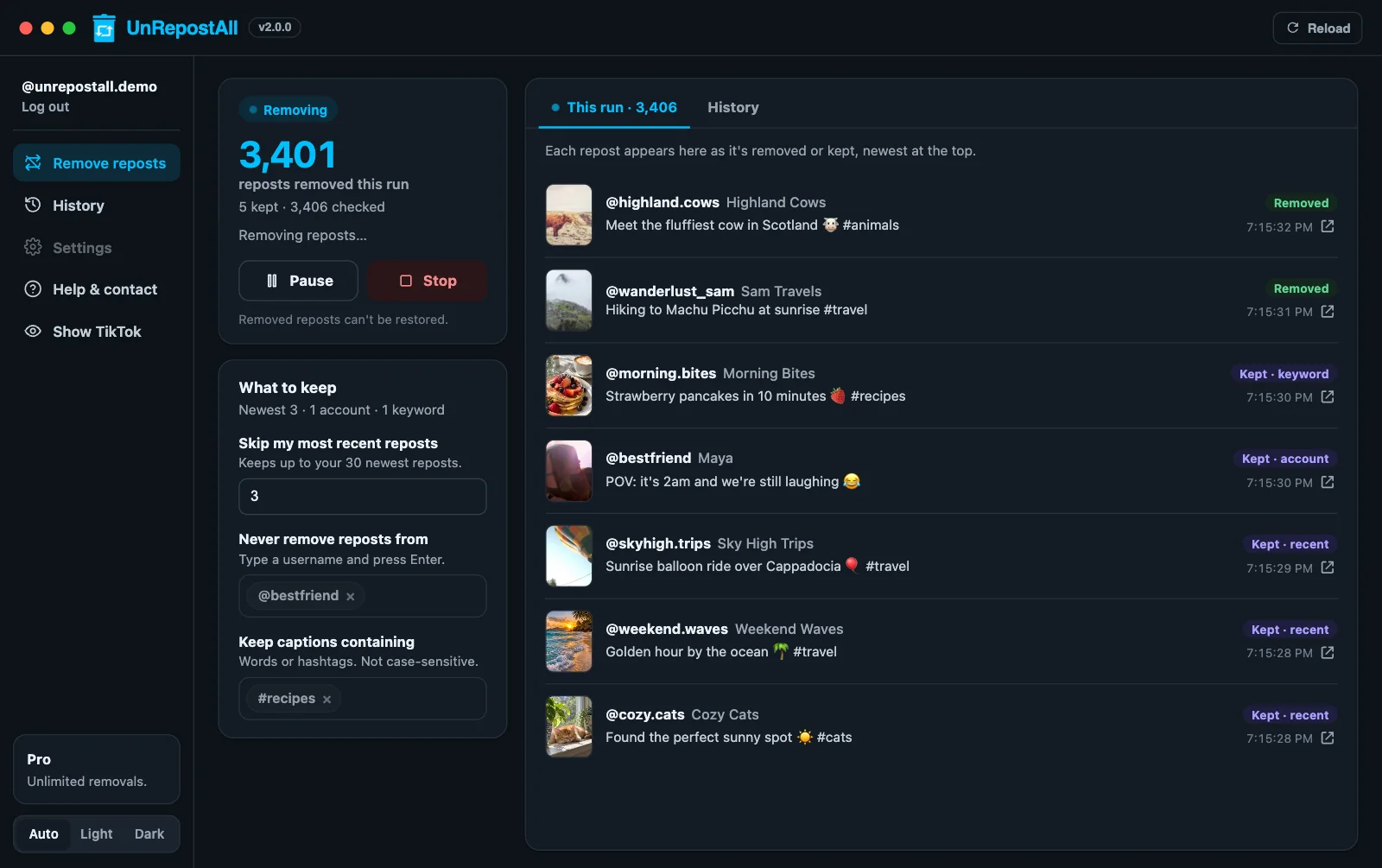
UnRepostAll Desktop removing TikTok reposts with live activityUnRepostAll Desktop removing TikTok reposts with live activity
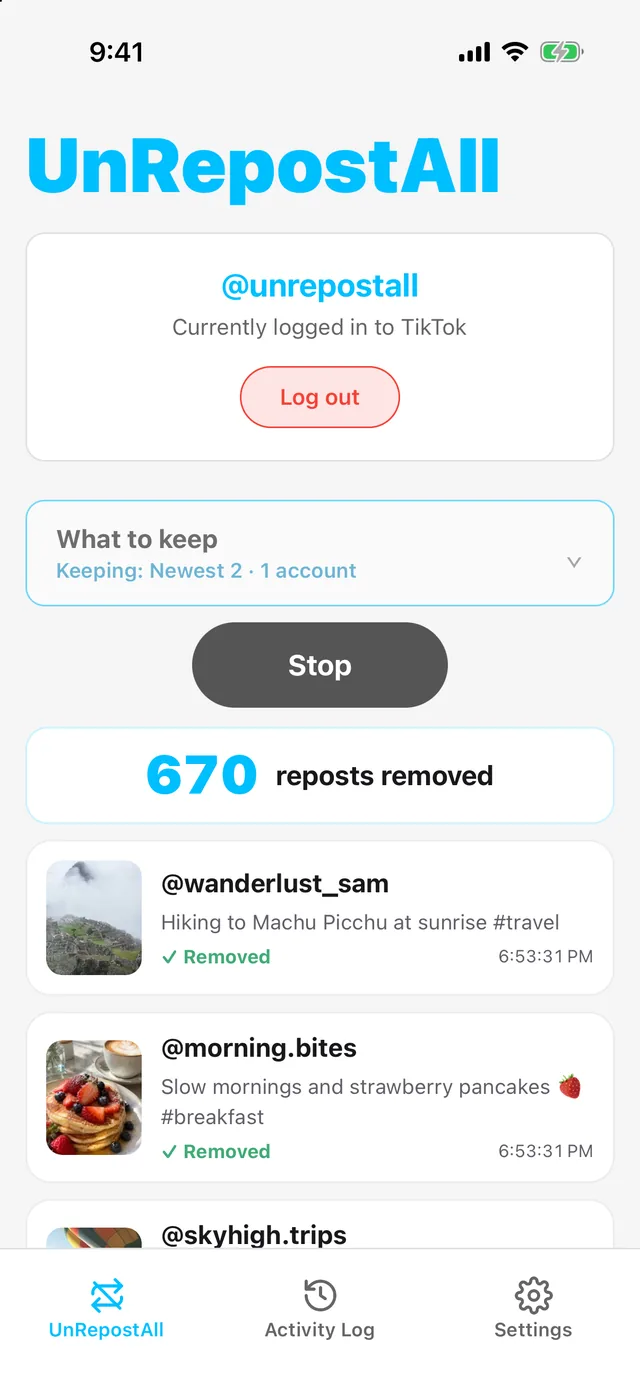
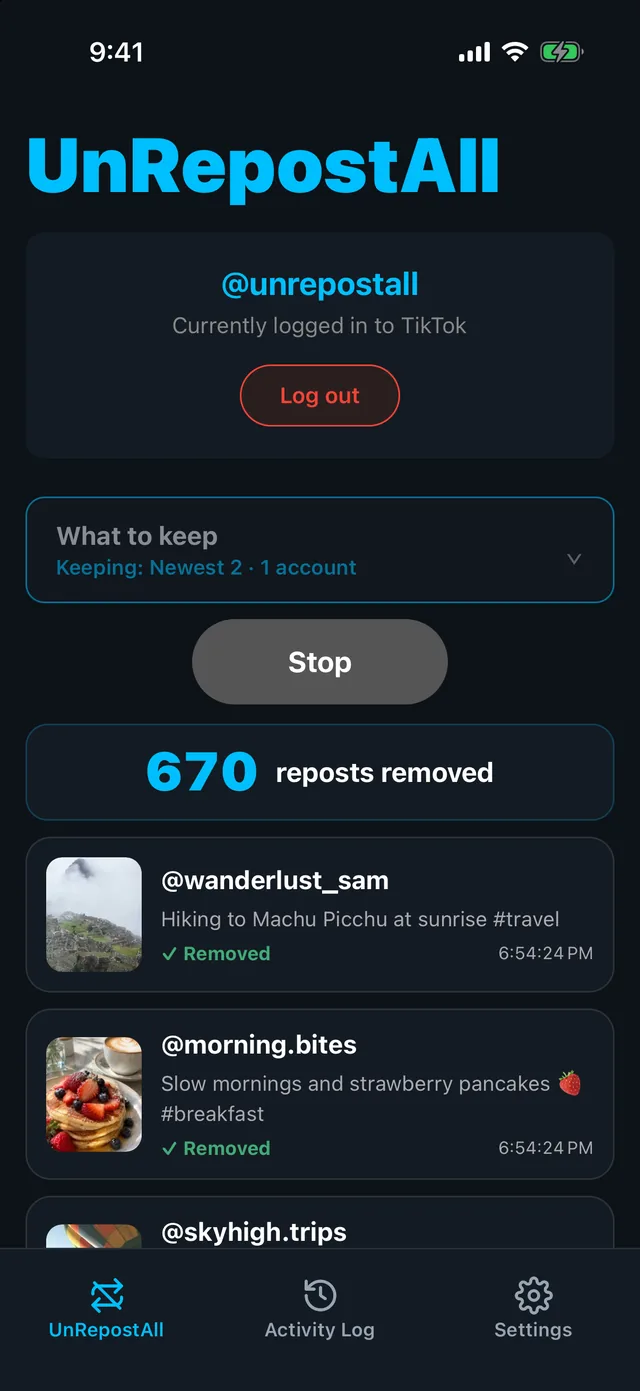
UnRepostAll on iPhone removing TikTok reposts with a live countUnRepostAll on iPhone removing TikTok reposts with a live count

UnRepostAll Desktop and iPhone · Example data

HOW IT WORKS

Clear your Reposts tab in three steps.

UnRepostAll settings: What to keep, then Unrepost AllUnRepostAll settings: What to keep, then Unrepost All
01

Select your settings and click “Unrepost All”

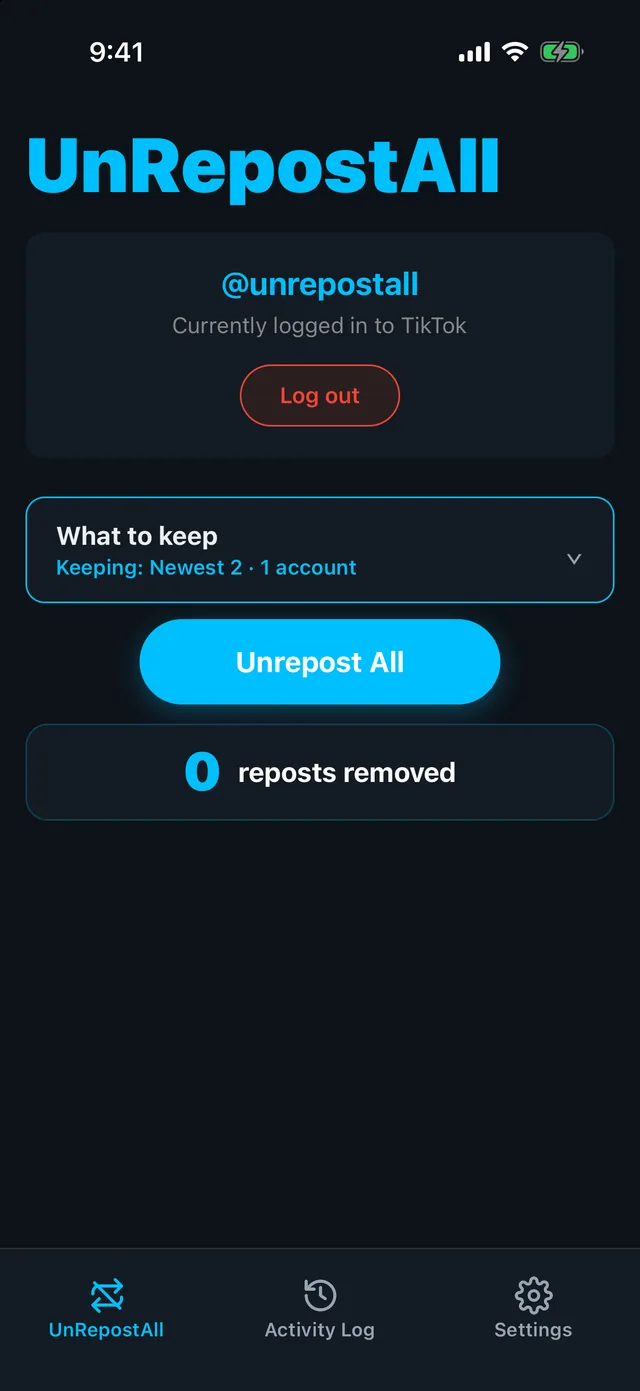
Keep your newest reposts or a friend’s, or keep nothing and clear them all.

UnRepostAll removing reposts with a live countUnRepostAll removing reposts with a live count
02

Watch them disappear

Follow the live count and see every repost as it’s removed. Stop whenever you like.
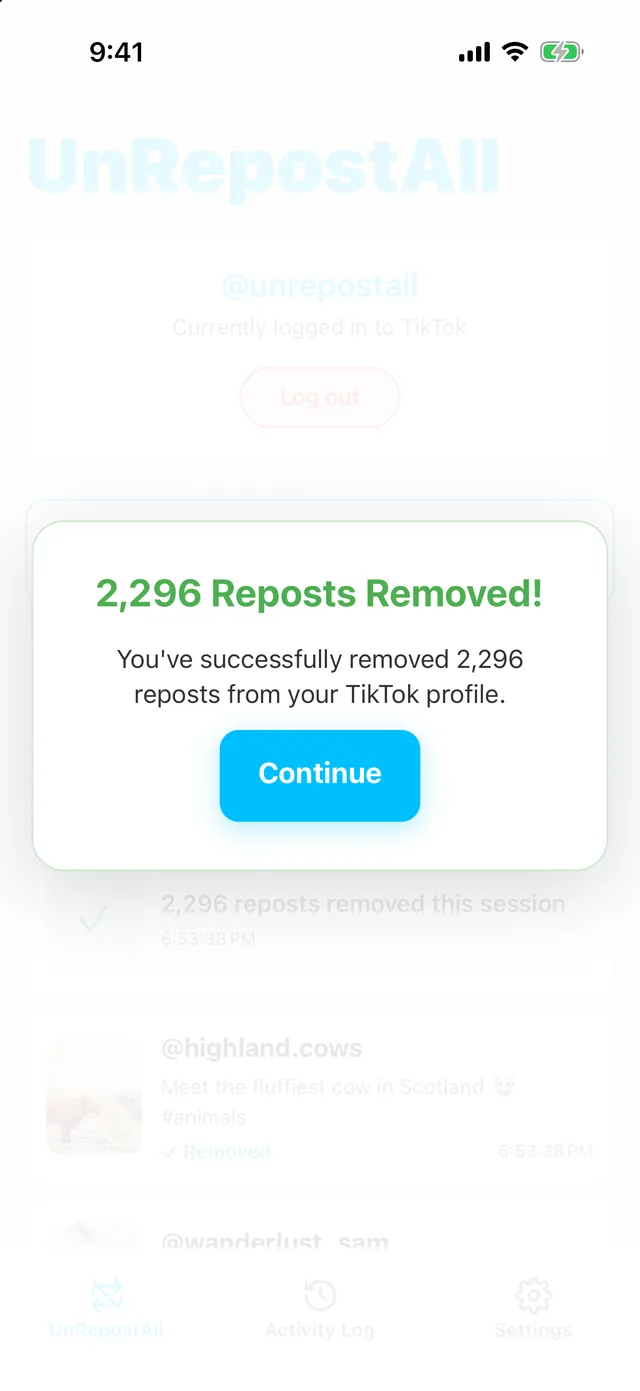
UnRepostAll after removing all repostsUnRepostAll after removing all reposts
03

Review what was removed

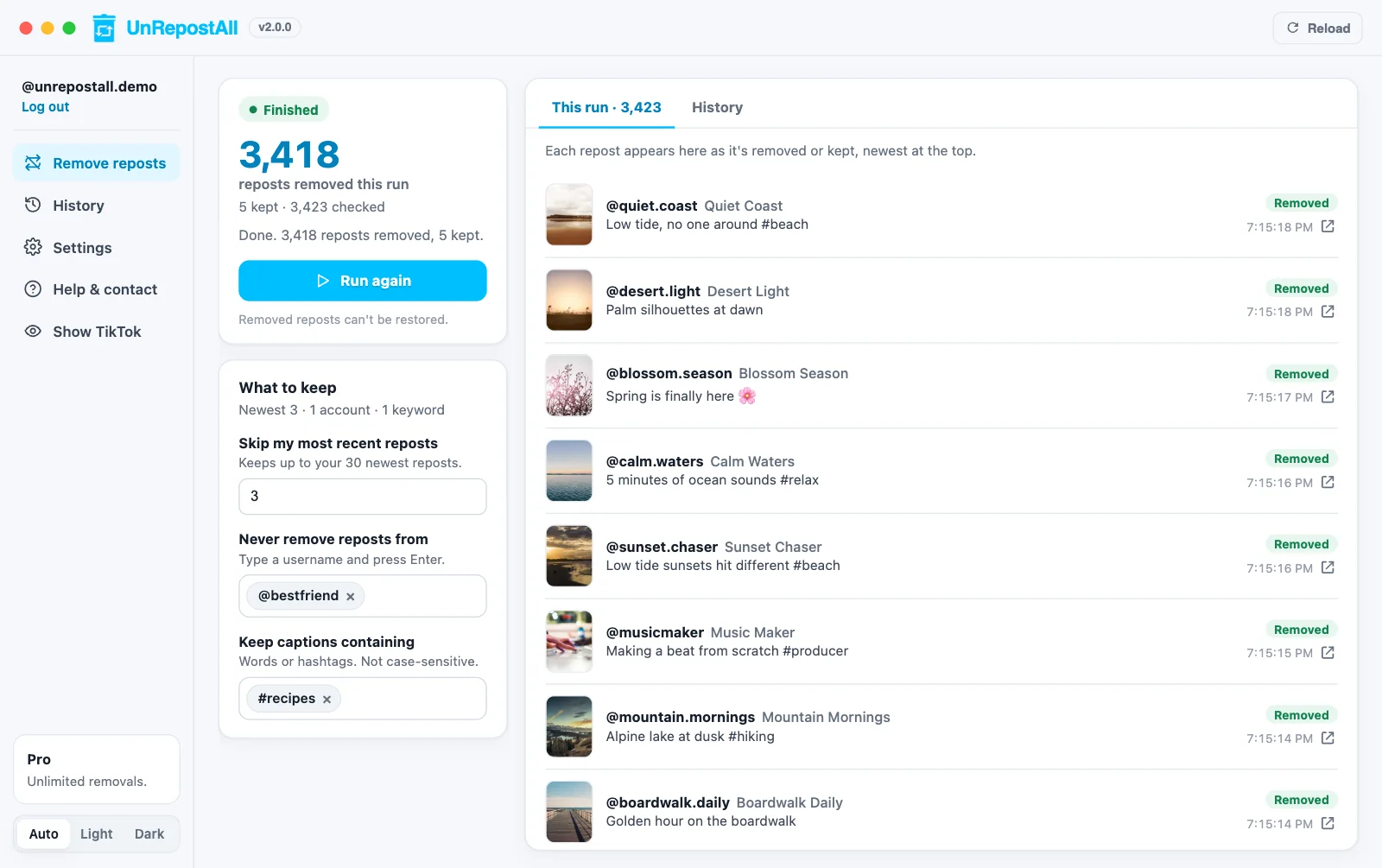
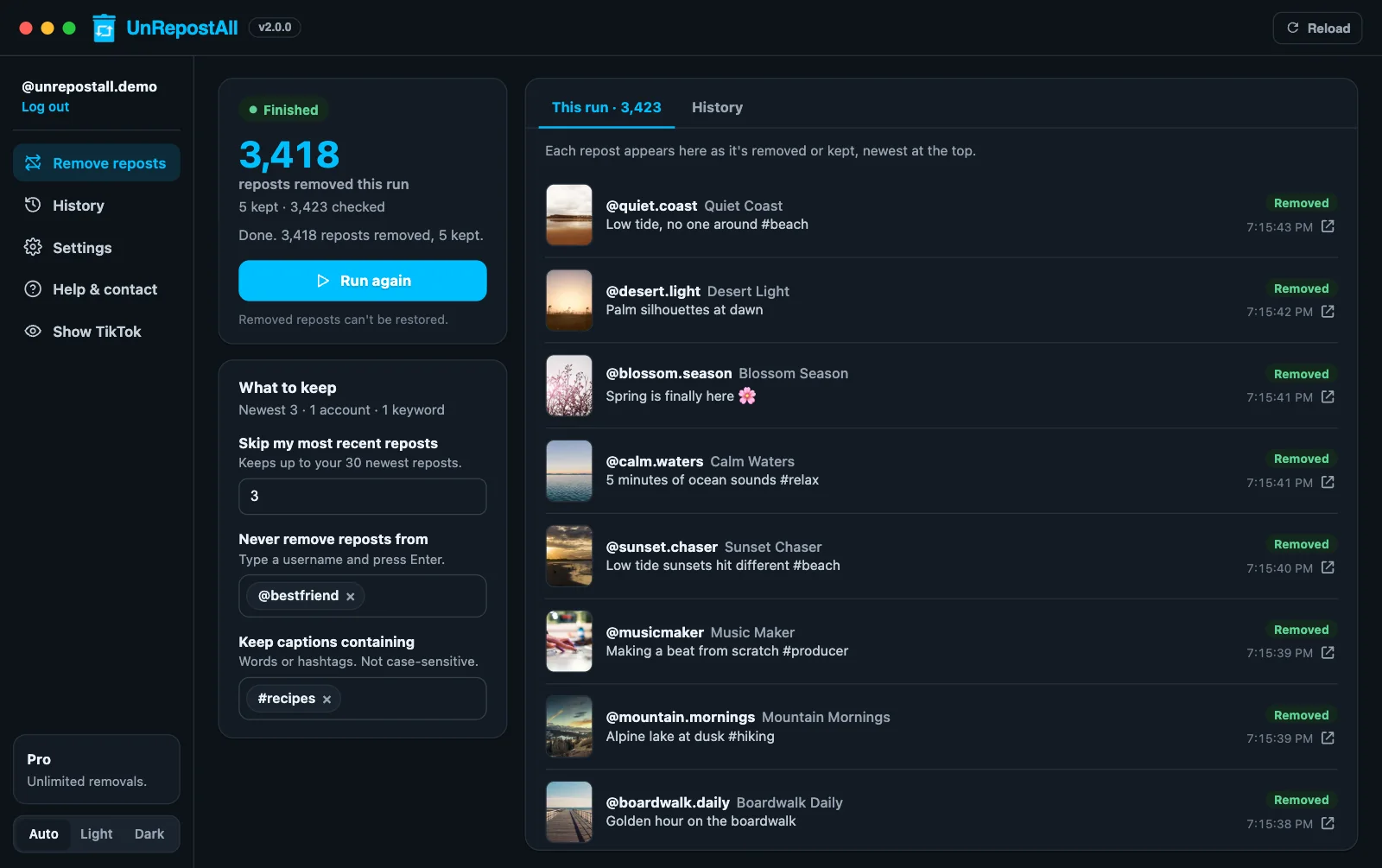
Your Reposts tab is cleared, and every removal is listed in your activity log.
MOBILE & DESKTOP

Use UnRepostAll on your phone or your computer.

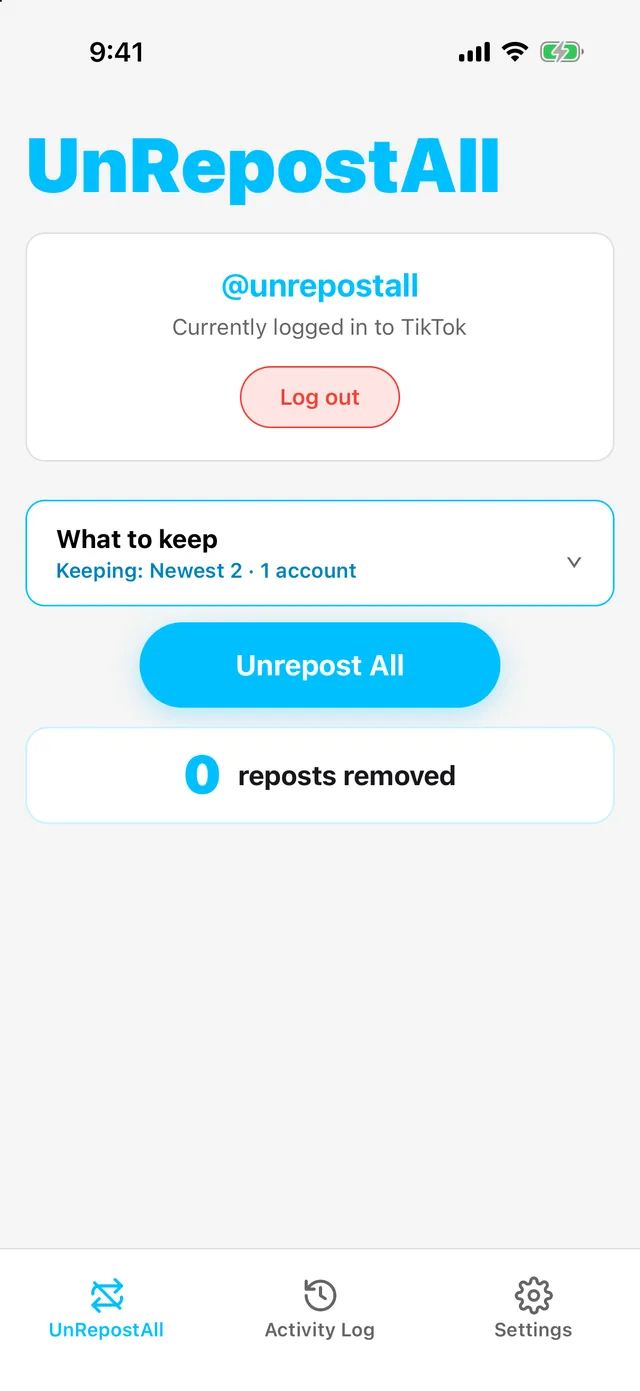
UnRepostAll on iPhone ready to remove repostsUnRepostAll on iPhone ready to remove reposts
UnRepostAll on iPhone removing repostsUnRepostAll on iPhone removing reposts

UnRepostAll for iPhone & Android

Remove reposts from your phone.

  • Remove all your reposts in one tap
  • Select which reposts you want to keep
  • Runs in the background
  • Live count and activity log
UnRepostAll Desktop after a finished runUnRepostAll Desktop after a finished run

UnRepostAll for Mac & Windows

Best for large cleanups.

  • Remove all your reposts in one click
  • Select which reposts you want to keep
  • Pause, resume, or stop at any time
  • Runs in the background
  • Best for long cleanups
  • History with search and CSV export
ONE CLICK

Remove all your
reposts with one click.

Start once and UnRepostAll works through your whole Reposts tab, showing each repost as it’s removed. Pause or stop whenever you like, on your phone or your computer.

UnRepostAll Desktop removing TikTok repostsUnRepostAll Desktop removing TikTok reposts
UnRepostAll on iPhone removing TikTok repostsUnRepostAll on iPhone removing TikTok reposts

Desktop and iPhone · Example data

OPTIONAL FILTERS

Keep the reposts
you want.

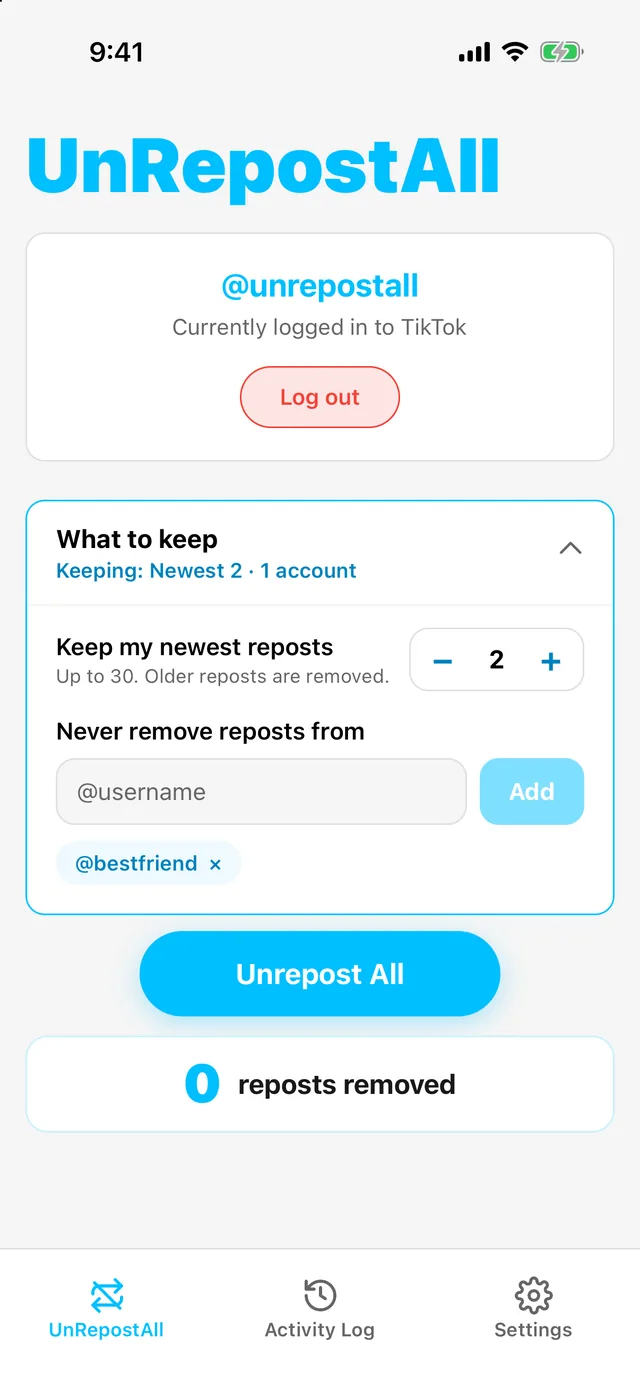
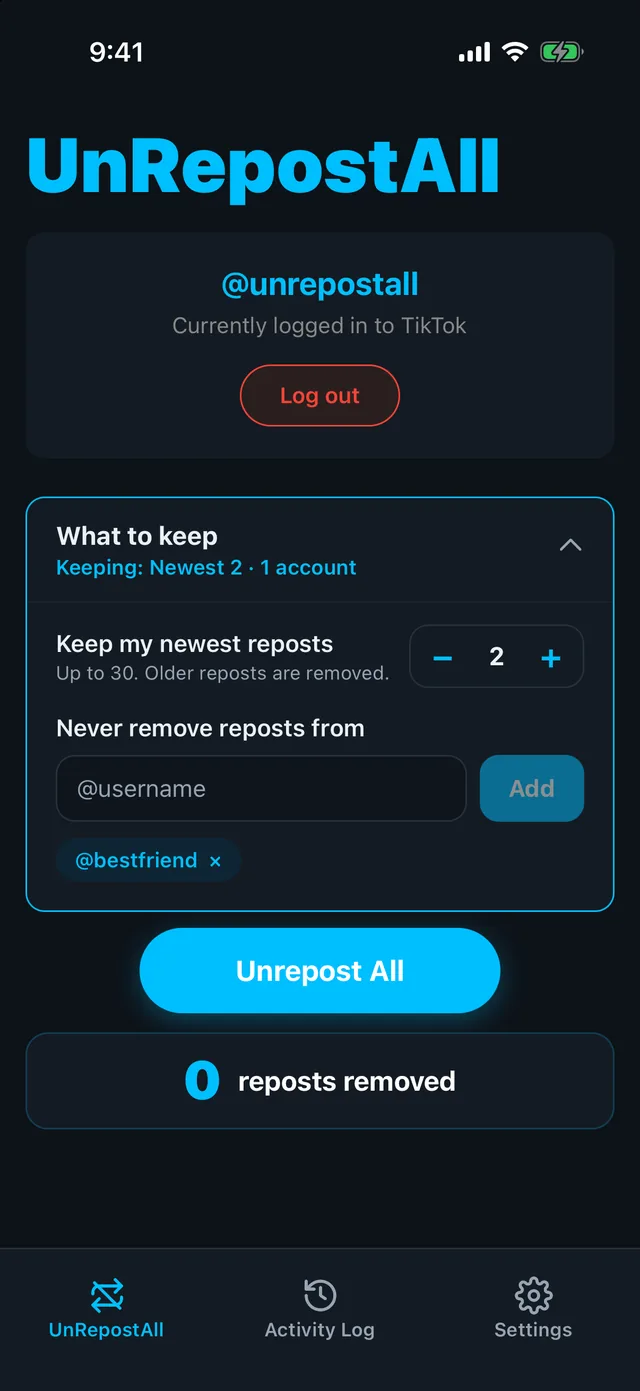
By default, UnRepostAll removes every repost. To keep some, like your newest reposts or a friend’s videos, set them in What to keep.
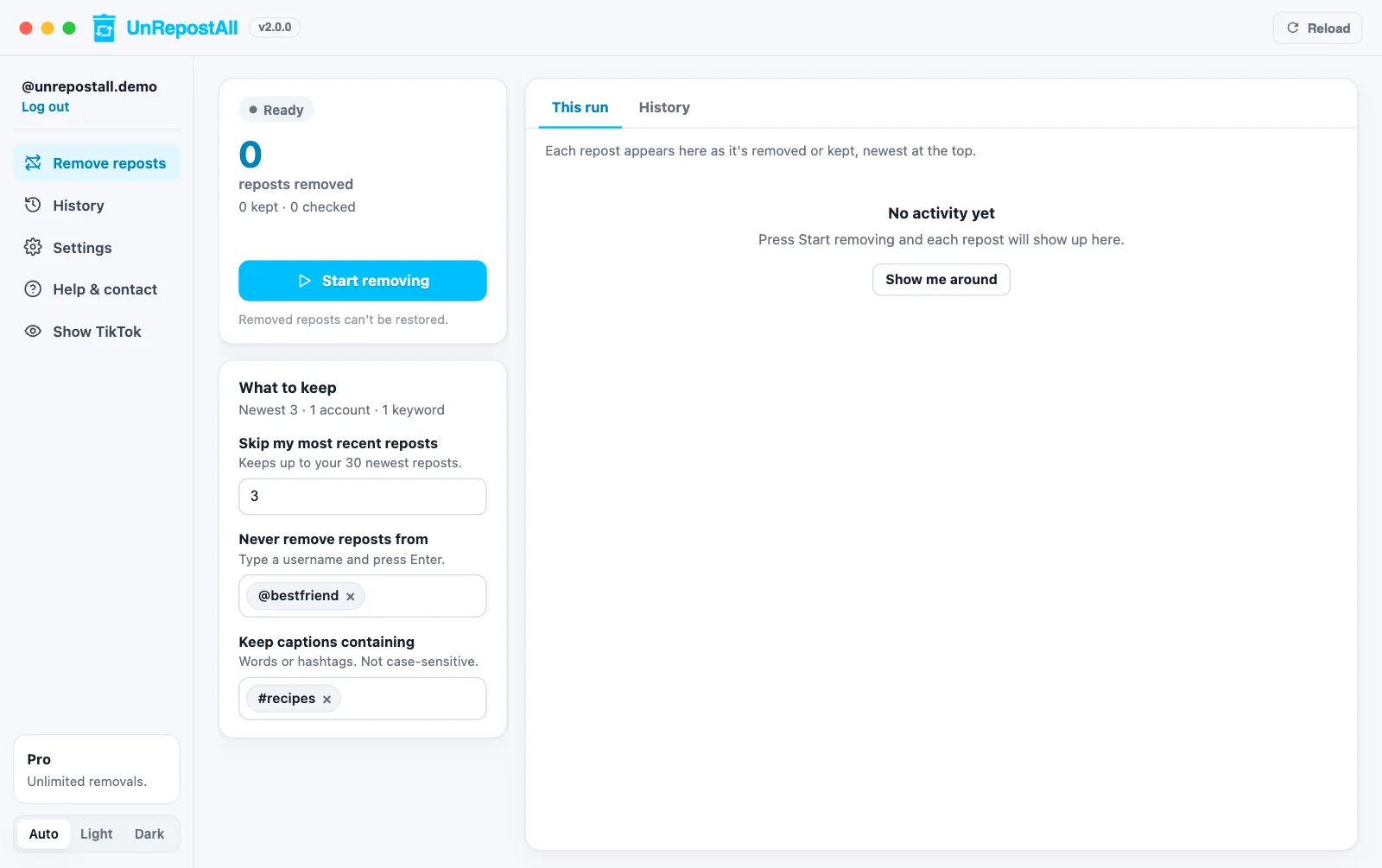
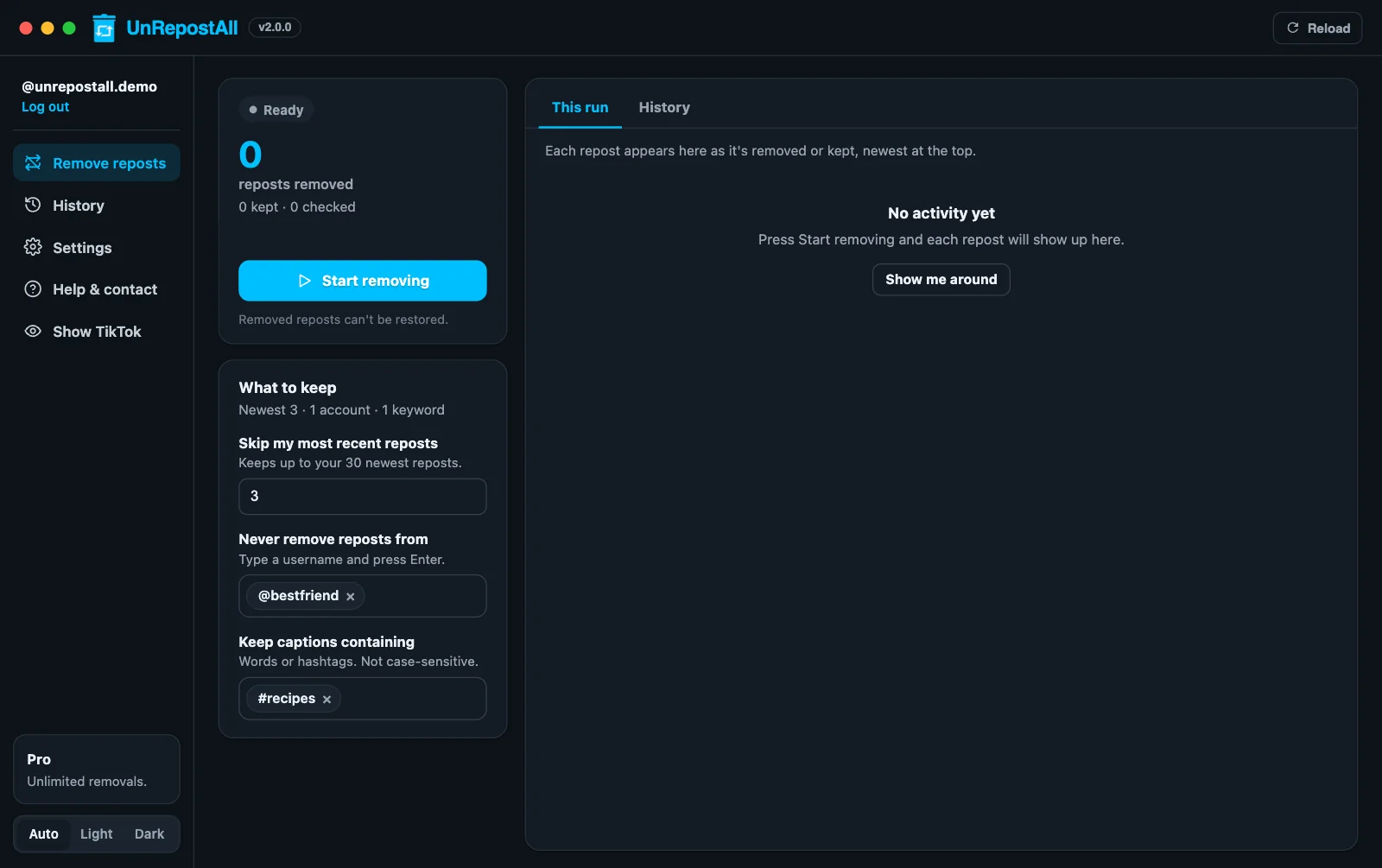
UnRepostAll Desktop What to keep filtersUnRepostAll Desktop What to keep filters
UnRepostAll on iPhone with What to keep openUnRepostAll on iPhone with What to keep open

What to keep on desktop and iPhone · Example data

HISTORY

Review your
removals.

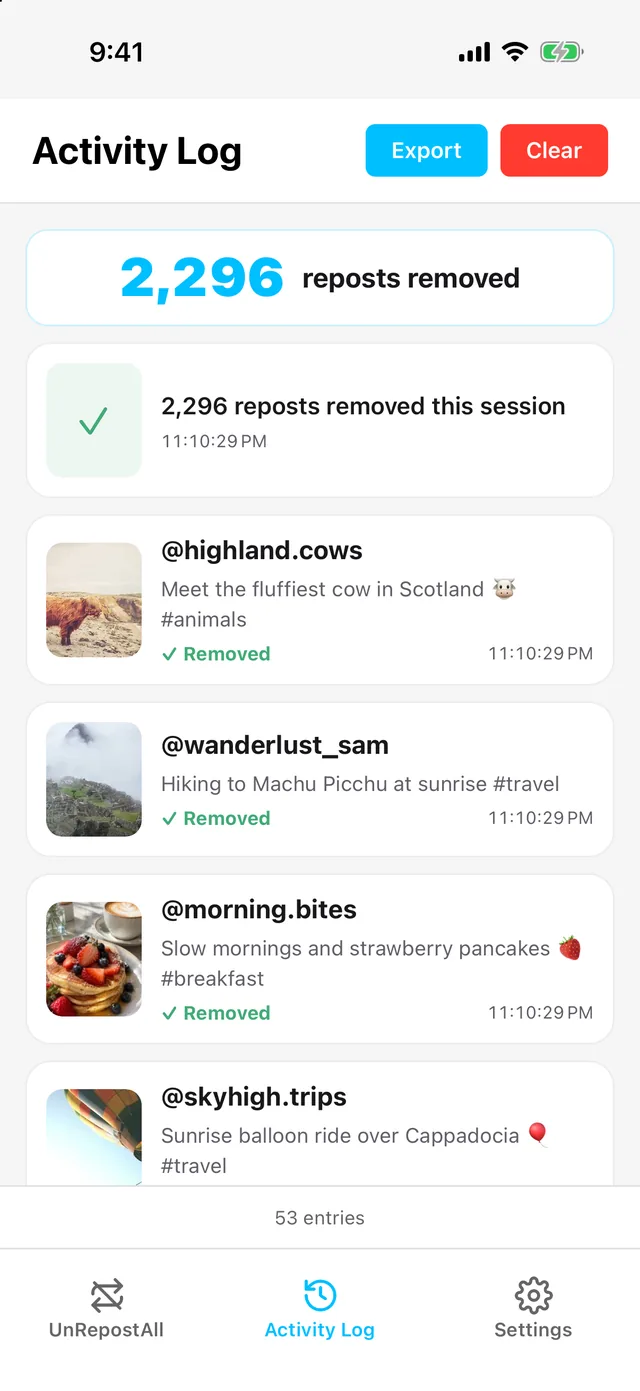
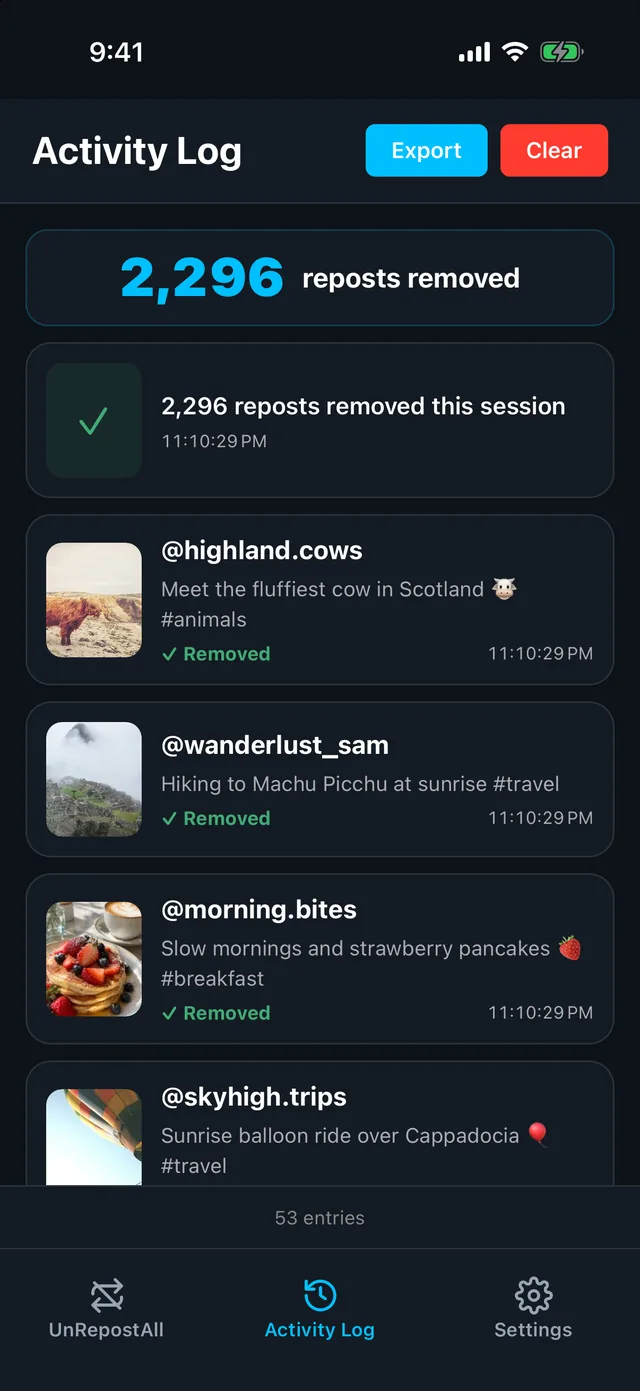
See every repost UnRepostAll removed, with the account, caption, and date. Open any video again, or export the list as a CSV.
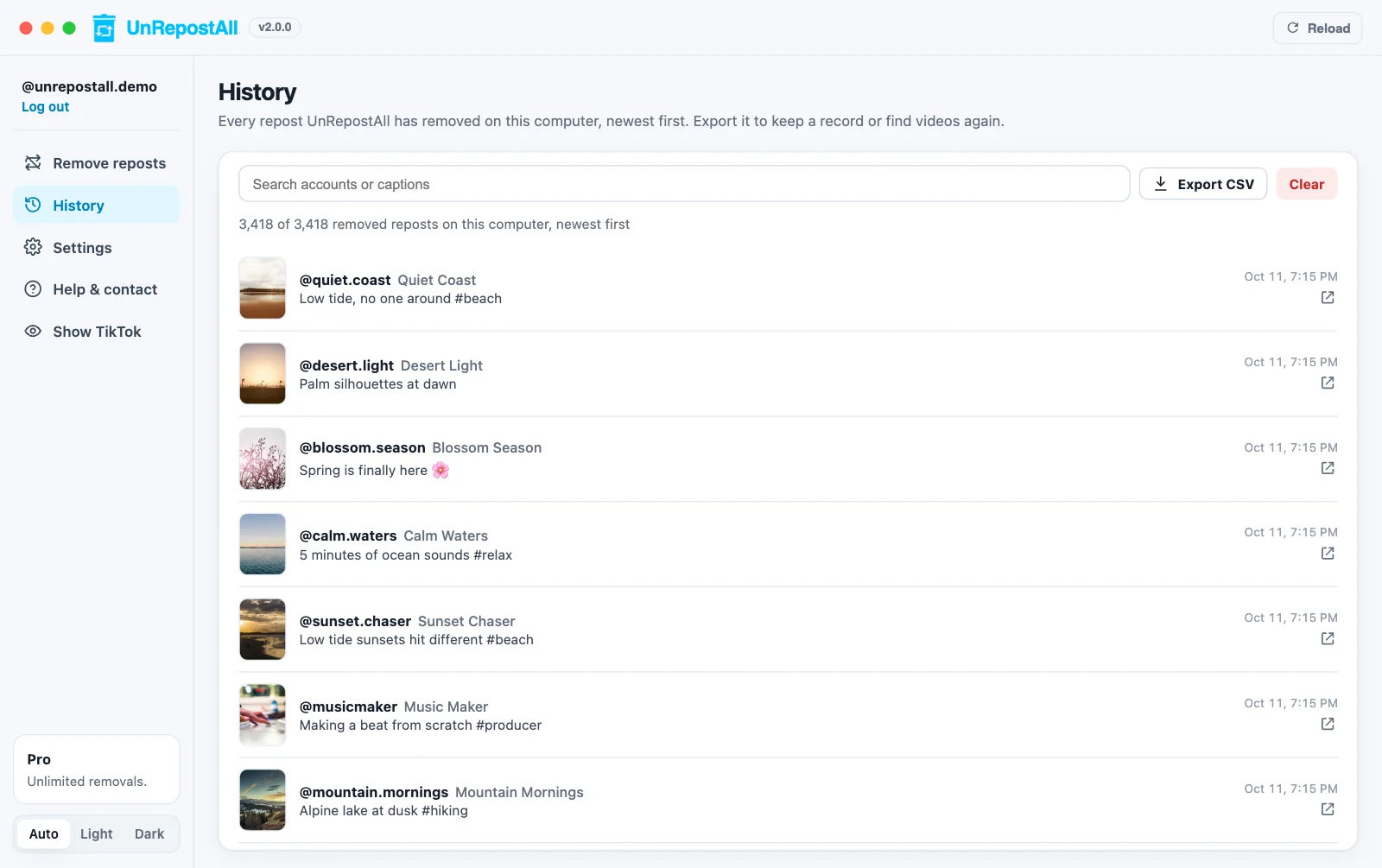
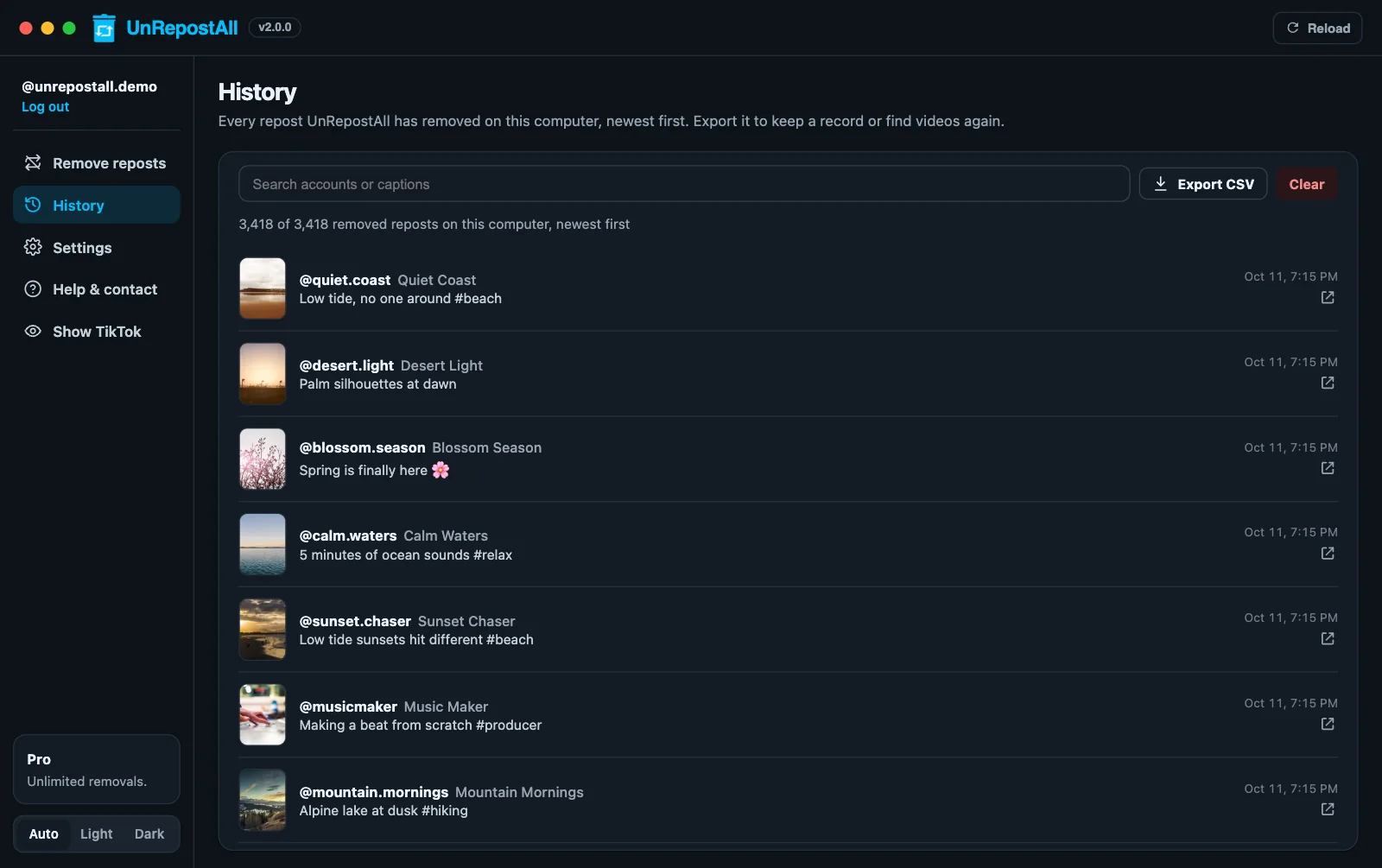
UnRepostAll Desktop History of removed repostsUnRepostAll Desktop History of removed reposts
UnRepostAll on iPhone Activity Log of removed repostsUnRepostAll on iPhone Activity Log of removed reposts

History on desktop and Activity Log on iPhone · Example data

GET UNREPOSTALL

Everything you need to clear your reposts.

UnRepostAll

Start unreposting today for free.

Get UnRepostAll
  • Remove all your reposts in one tap
  • Select which reposts you want to keep
  • Unlimited unreposts
  • Live progress as each repost is removed
  • Pause and resume at any time
  • Runs in the background
  • History with search and CSV export
  • Use it across all your devices
GUIDES

TikTok repost guides

See all guides →

FAQ

Need help?

Contact support ↗
Read the full guide →
How do I remove all my reposted videos on TikTok at once?

TikTok only lets you remove reposts one at a time. UnRepostAll removes all of them with one tap. Read the full guide.

Can I keep some of my reposts?

Yes, optionally. You can skip your newest reposts or reposts from certain accounts. See how.

Does TikTok notify anyone when I remove a repost?

No. TikTok doesn’t send a notification when you remove a repost. The video stops appearing as reposted by you.

Is my TikTok account safe?

UnRepostAll removes reposts at a steady pace and slows down if TikTok asks it to. Your activity history is stored on your device.

How long does it take?

It depends on how many reposts you have. A few hundred usually take minutes; thousands can take longer. UnRepostAll keeps going in the background while you use other apps.

Does removing a repost delete the original video?

No. The creator’s video, likes, and comments are untouched. Only your repost is removed.

Can I undo it?

There’s no undo, but you can repost any video again by hand. UnRepostAll keeps a history of every removed repost with a link to the video.

Is UnRepostAll free?

Yes, UnRepostAll is free to download on iPhone, Android, Mac, and Windows.

Which devices does it work on?

iPhone (App Store), Android (Google Play), Macs with Apple silicon or Intel, and Windows 10 and later (download).

Is UnRepostAll made by TikTok?

No. UnRepostAll is made by Yerbapps and isn’t affiliated with or endorsed by TikTok or ByteDance.