 UnRepostAll
On a computer you can undo reposts one by one on tiktok.com, or let UnRepostAll for Mac and Windows clear your whole Reposts tab while you do other things.
Download UnRepostAll
Get it from the download page: Mac with Apple silicon (M1 and later), Mac with Intel, or Windows 10 and later.
Remove your reposts
Step 1 Download UnRepostAll
Download UnRepostAll for Mac or Windows and open it. The app guides you through setup.
Step 2 Start removing
Optional: set What to keep first to skip your newest reposts, certain accounts, or captions with certain words.
Click Start removing, confirm, and UnRepostAll gets to work. Pause, resume, or stop at any time.
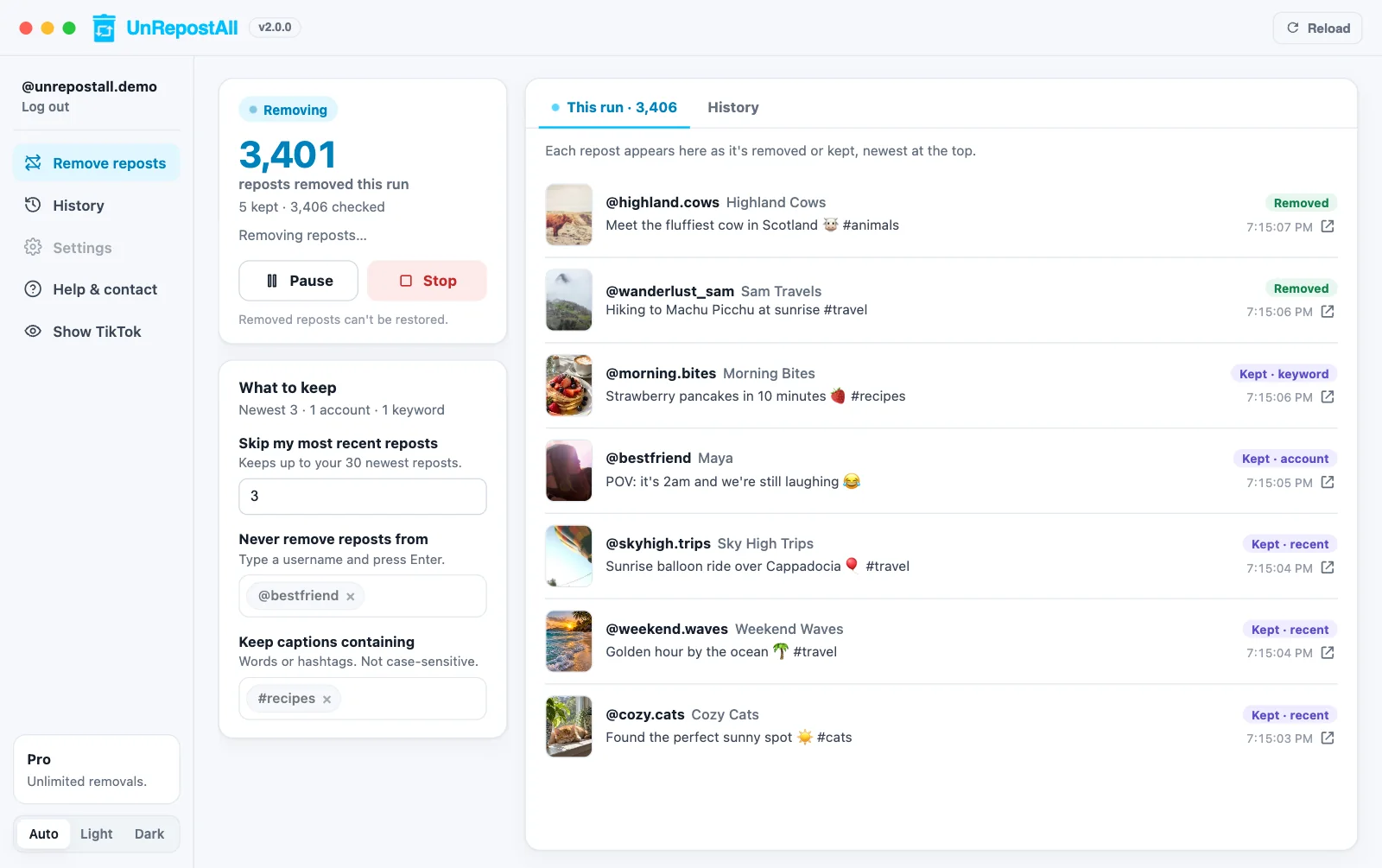
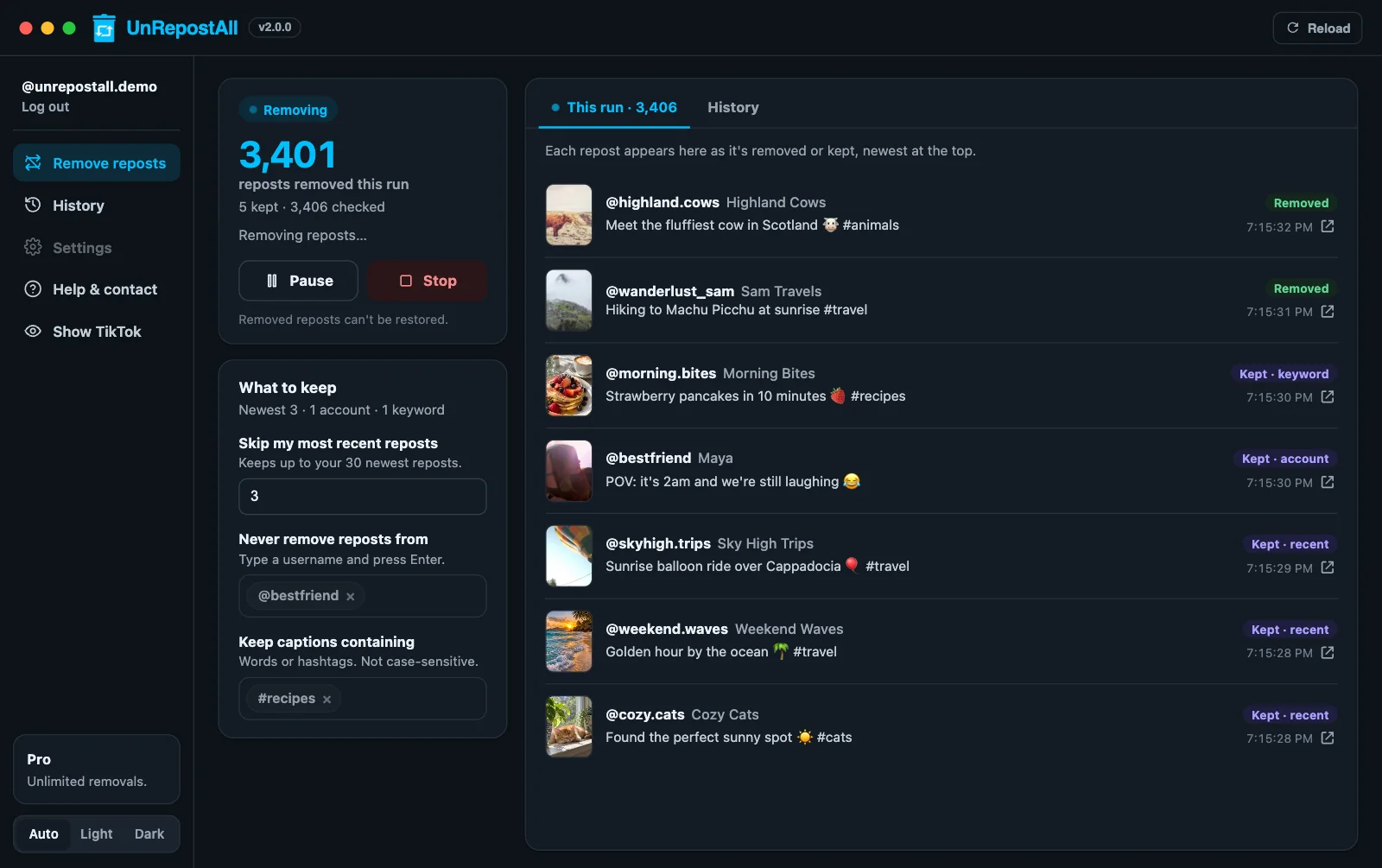
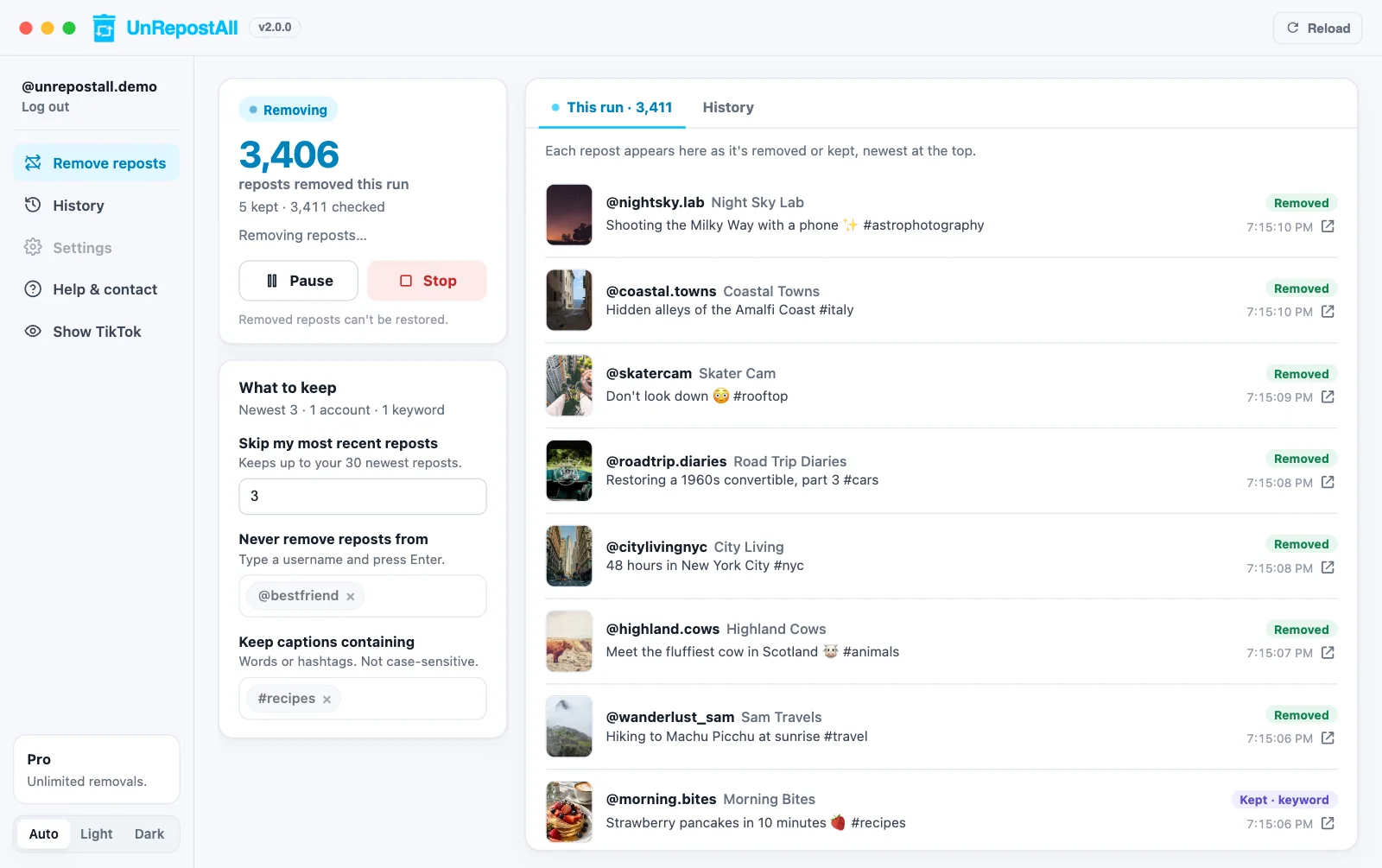
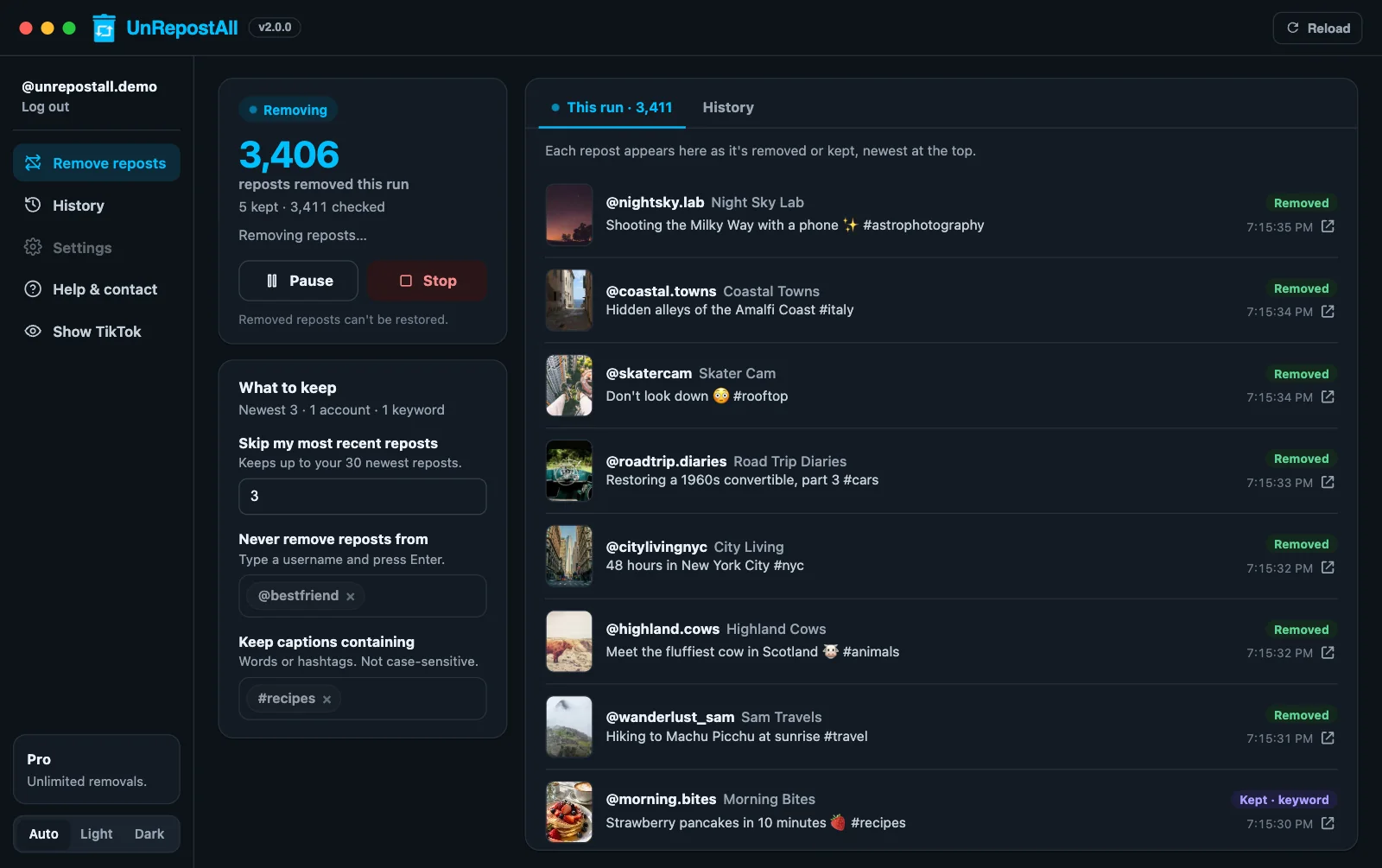
Step 3 Watch it work
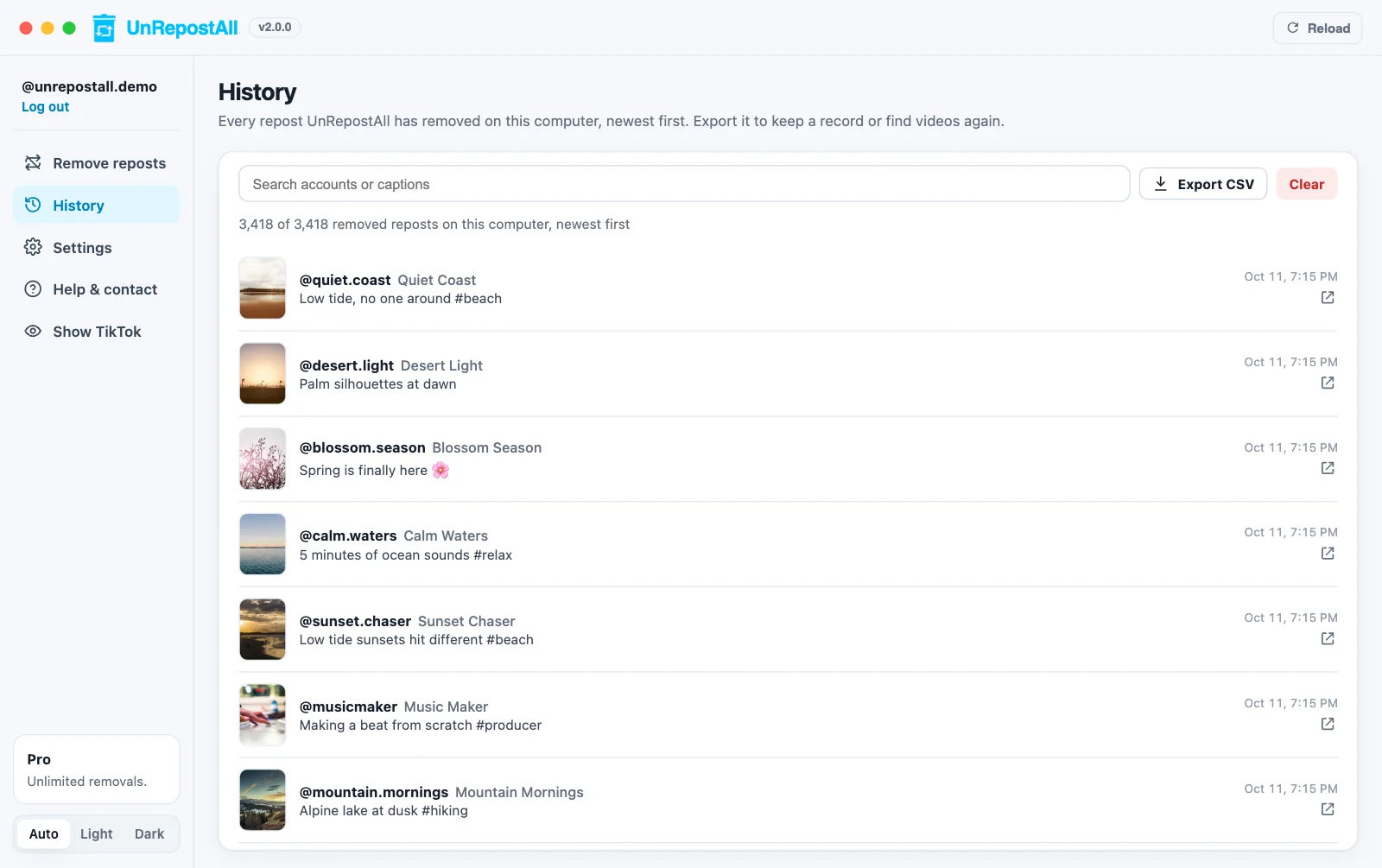
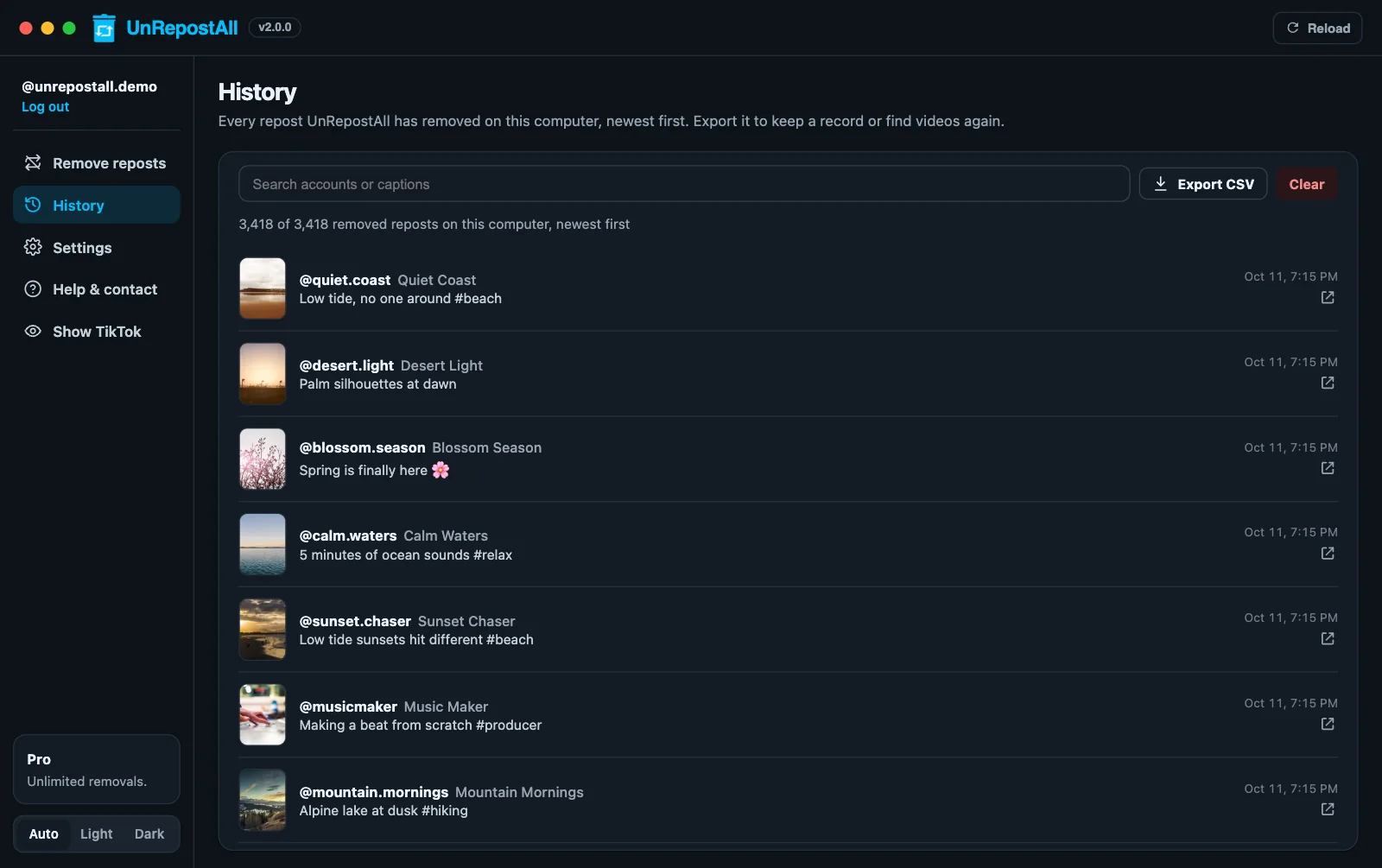
Each repost appears in Live activity as it’s removed, with a link to the video. Everything removed is saved in History, where you can search it or export a CSV.
What the desktop app adds
- History: every removed repost with its account, caption, date, and link. Search it or export a CSV.
- Hide TikTok: once you’re logged in, UnRepostAll hides the TikTok panel to give you room. Show it again any time.
Free to download
UnRepostAll is free to download, and you can use it across all your devices.
Remove your TikTok reposts with UnRepostAll
Remove all your TikTok reposts with one click on iPhone, Android, Mac, and Windows. Free to try.


Frequently asked questions
Does it work on Windows?
Yes, on Windows 10 and later. There are also versions for Macs with Apple silicon and with Intel processors.
Can I use my computer while it runs?
Yes. UnRepostAll keeps working while you use other apps. Keep your computer awake until it finishes.