 UnRepostAll
You can undo one repost in the TikTok app in a few taps. To clear a whole Reposts tab from your phone, use UnRepostAll for iPhone or Android.
In this guide
Remove one repost in the TikTok app
- Open the video you reposted. You can find it in the Reposts tab on your profile (the icon with two arrows).
- Tap the Share arrow on the right side of the video.
- Tap Remove repost. The video disappears from your Reposts tab right away.
Remove all your reposts from your phone
Get UnRepostAll from the App Store or Google Play.
Step 1 Open UnRepostAll
Install UnRepostAll from the App Store or Google Play and open it. The app guides you through setup.
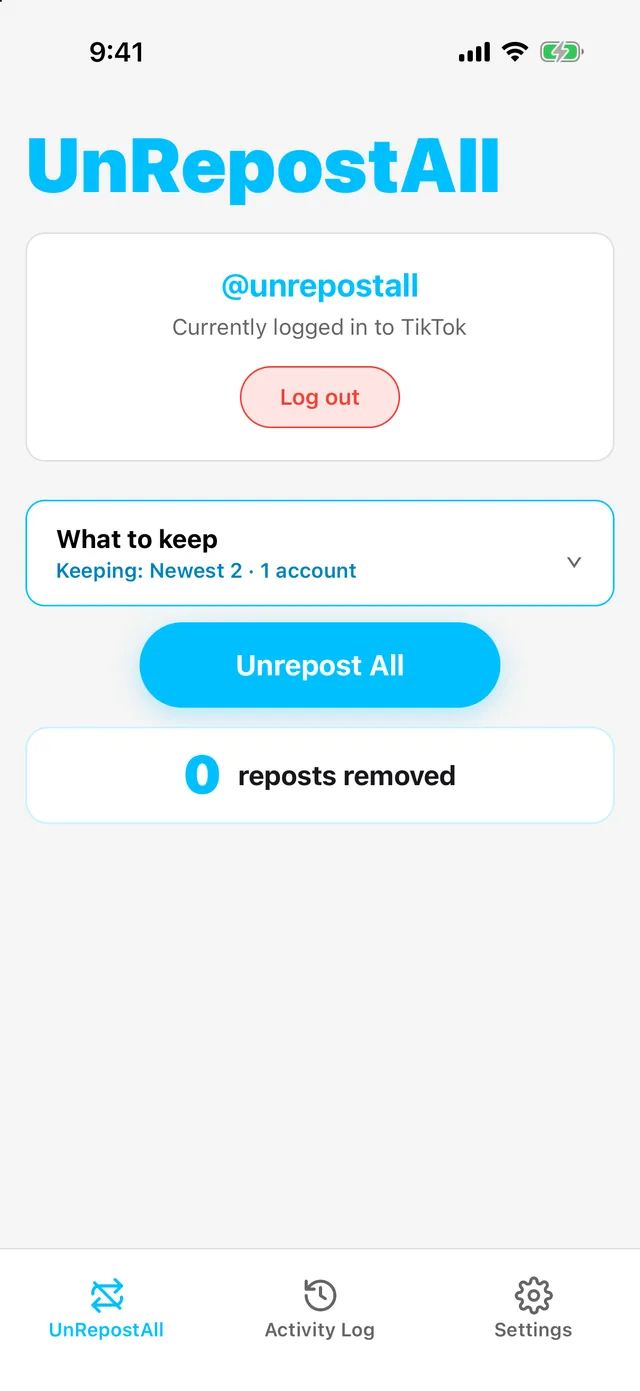
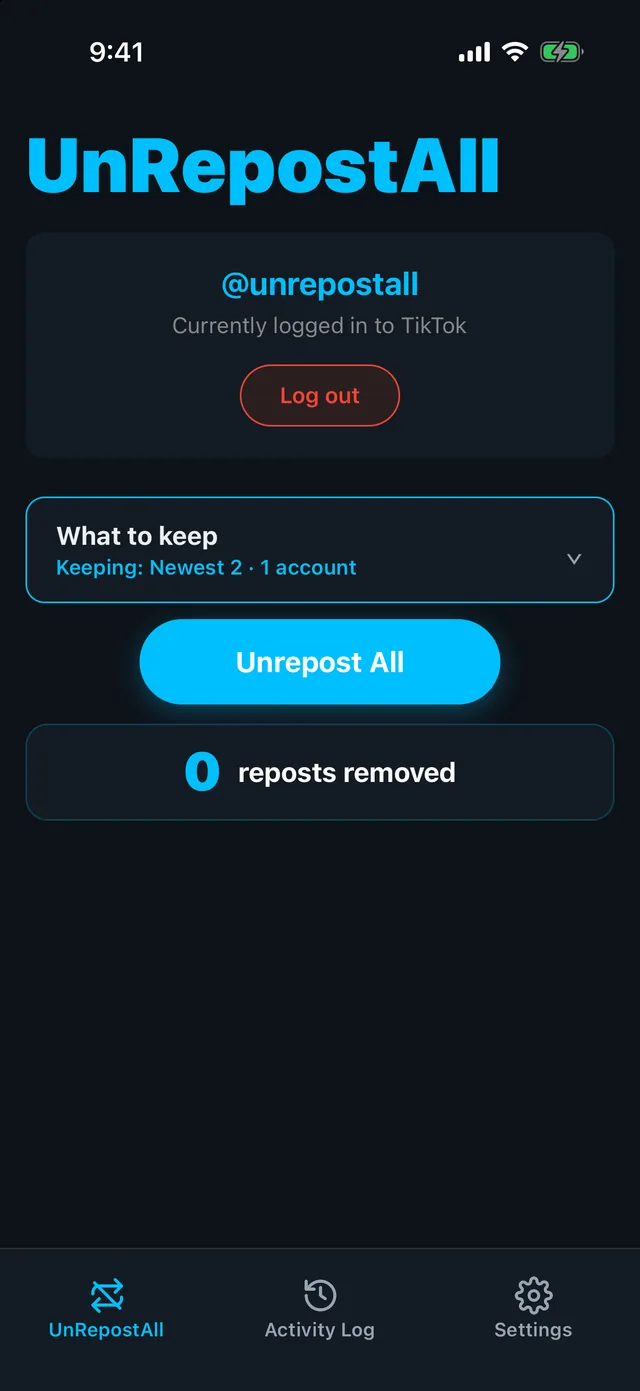
Step 2 Tap Unrepost All
Optional: tap What to keep first to keep your newest reposts or reposts from certain accounts.
UnRepostAll works through your Reposts tab and removes each repost. It keeps running in the background, and you can tap Stop whenever you like.
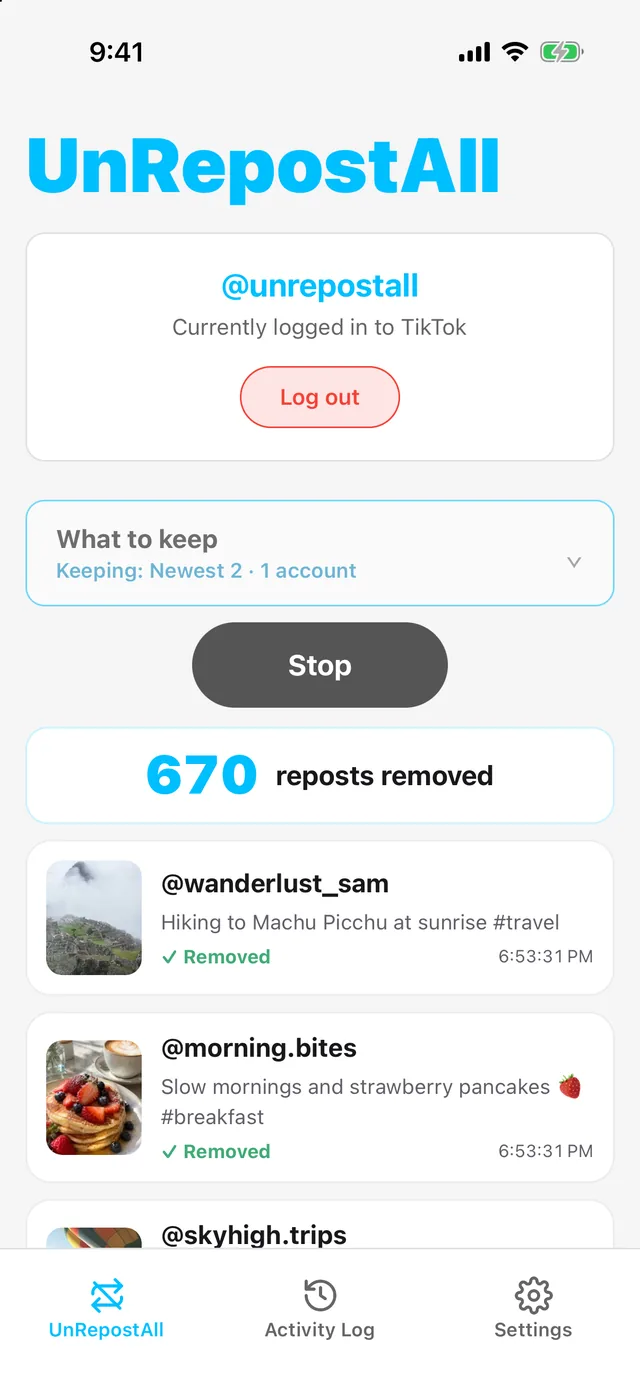
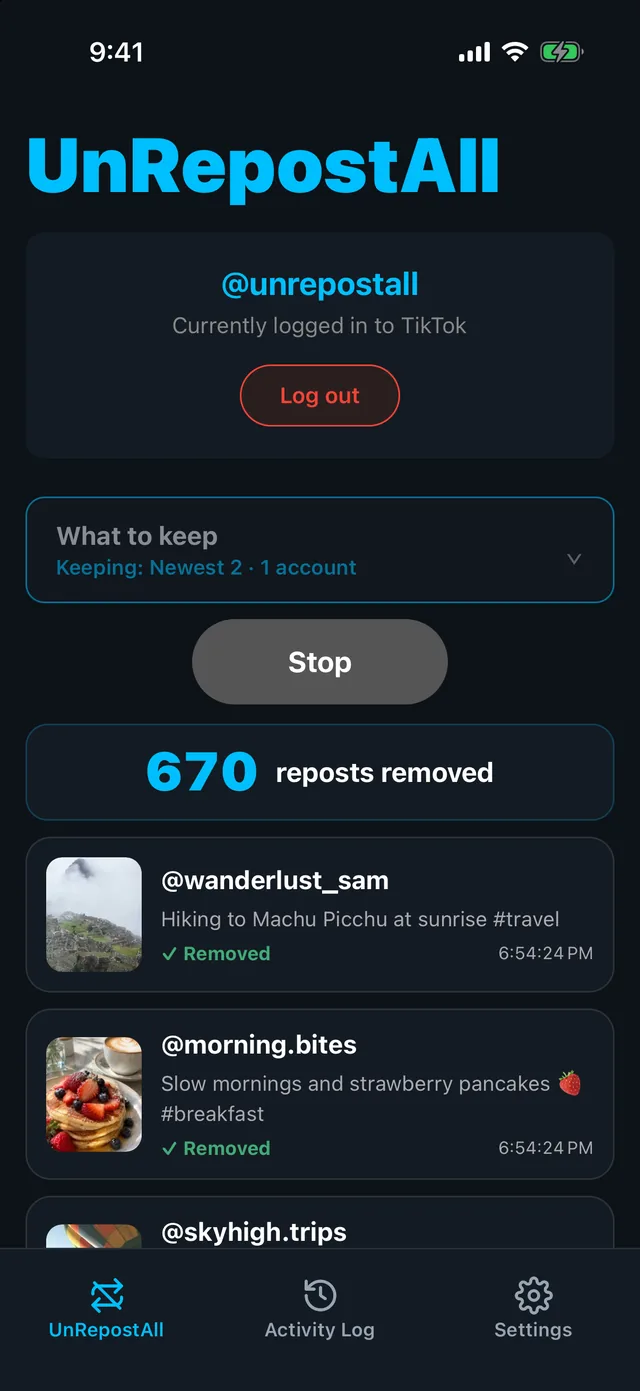
Step 3 Check the result
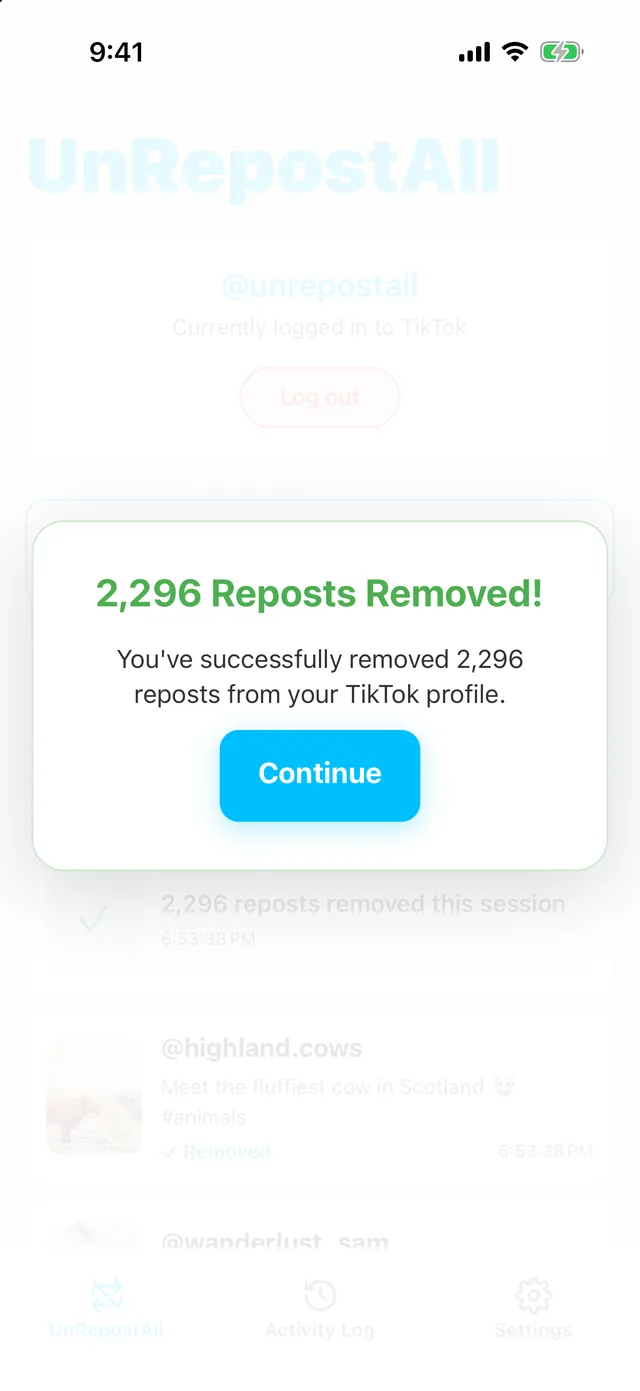
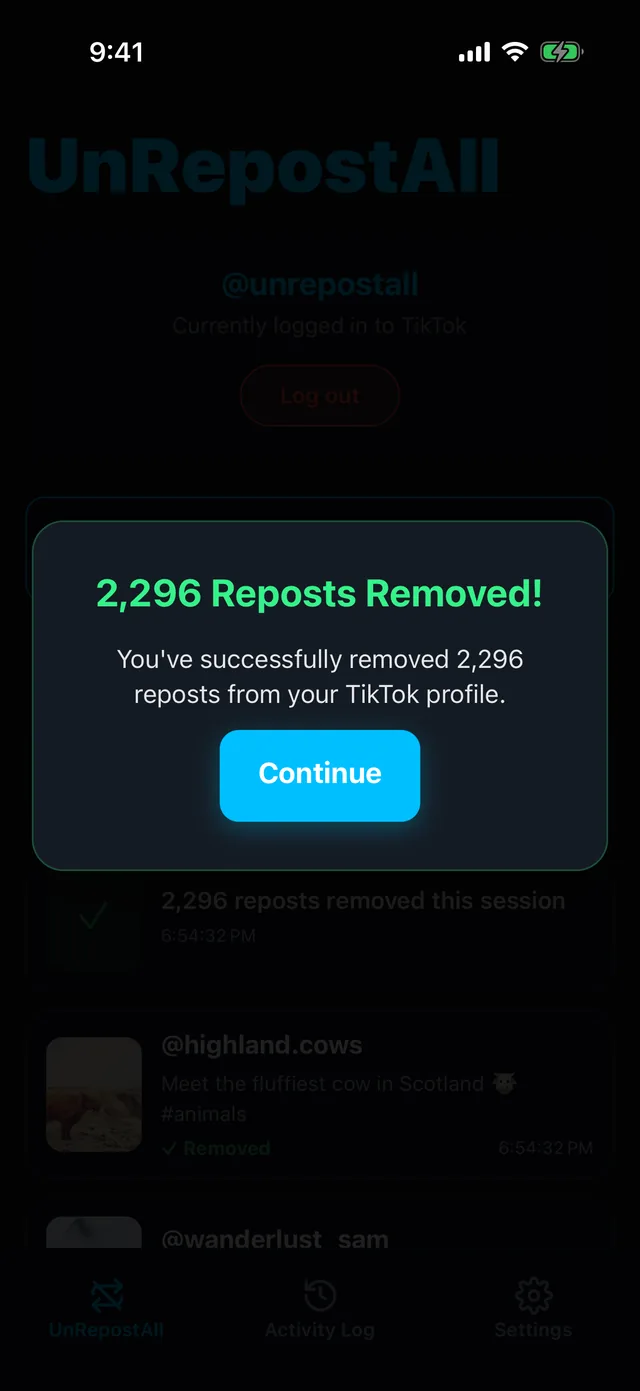
When it finishes, you’ll see how many reposts were removed. Every removal is also listed in the Activity Log tab.
Tips for phone cleanups
- UnRepostAll keeps running in the background while you use other apps. Keep your phone charged for big cleanups.
- Tap Stop at any time. Run it again later to continue.
- Every removal is listed in the Activity Log tab.
- Have thousands of reposts? The Mac and Windows app is best for long cleanups.
Free to download
UnRepostAll is free to download, and you can use it across all your devices.
Remove your TikTok reposts with UnRepostAll
Remove all your TikTok reposts with one click on iPhone, Android, Mac, and Windows. Free to try.


Frequently asked questions
Does UnRepostAll work on Android?
Yes. Get it on Google Play. It’s also on the App Store for iPhone.
Do I need to keep the app open?
No. UnRepostAll keeps removing reposts in the background while you use other apps.